@osynicite/osynic-osuapi

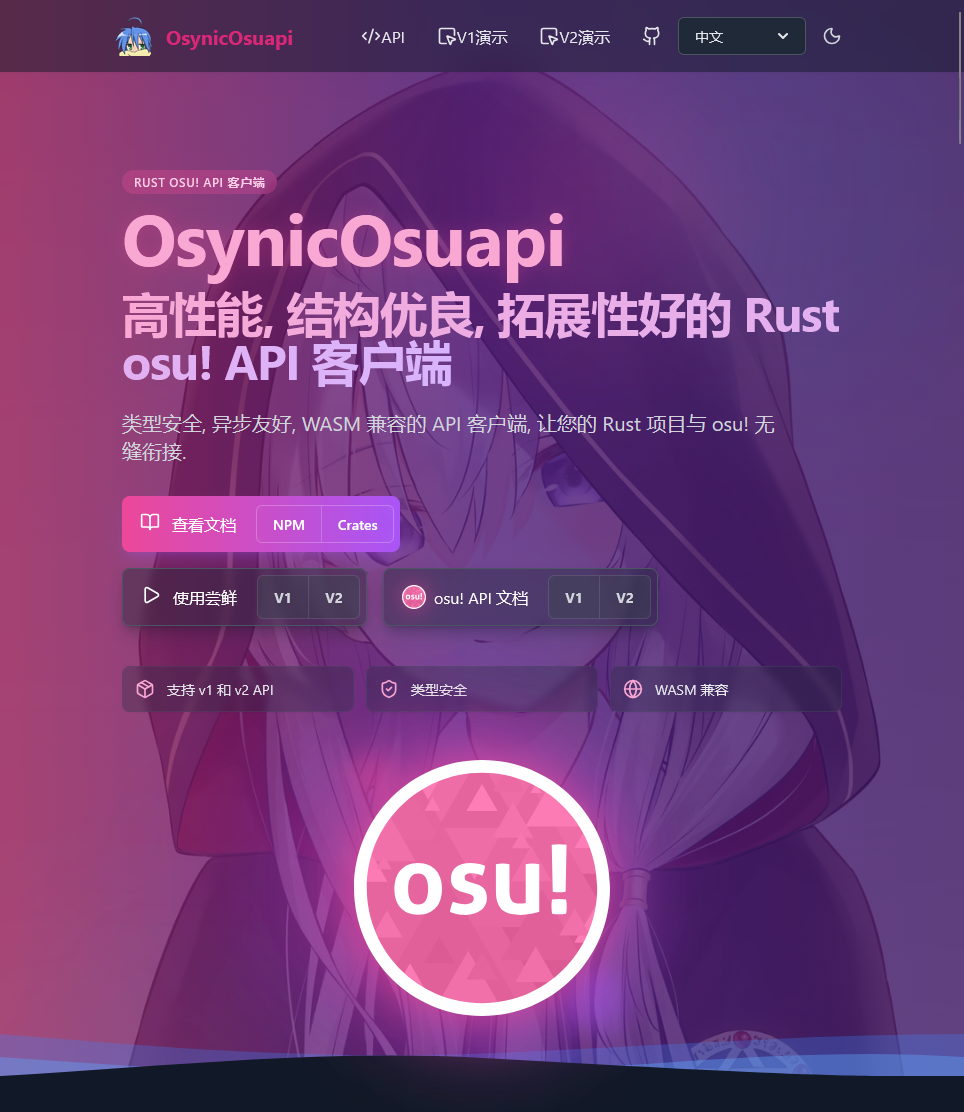
OsynicOsuapi




🚀 高性能 WebAssembly · 📦 开箱即用 · 🎯 浏览器原生支持
功能完整的 osu! API 客户端库 WASM 绑定,为 Web 应用赋能
📚 目录
🧻 API体验网站
✨ 特性
- 🌐 WASM 原生支持: 编译为 WebAssembly,在浏览器中以接近原生的速度运行
- 📱 多框架支持: 支持 Vue、React、Svelte 等流行前端框架
- 🔄 完整 API 支持: V1 和 V2 API 的所有主要端点(除文档未归类接口)
- 🎨 TypeScript 友好: 完整的类型定义,提供最佳的开发体验
- ⚡ 零配置: 通过 npm 安装即可使用,集成简单快速
- 🌍 跨域处理: 内置 CORS 代理支持,处理浏览器跨域问题
- 📊 轻量级: WASM 包体积优化,快速加载和初始化
🚀 快速开始
步骤一:安装依赖
使用 npm、yarn 或 pnpm 安装:
# npm
npm install @osynicite/osynic-osuapi
# yarn
yarn add @osynicite/osynic-osuapi
# pnpm
pnpm add @osynicite/osynic-osuapi
步骤二:基础配置
确保您的项目配置支持 WebAssembly:
Vite 配置
// vite.config.ts
import { defineConfig } from 'vite'
import vue from '@vitejs/plugin-vue'
import wasm from 'vite-plugin-wasm'
import topLevelAwait from 'vite-plugin-top-level-await'
export default defineConfig({
plugins: [
wasm(),
topLevelAwait(),
vue(),
],
})
步骤三:获取 API 授权
访问您的 osu! 设置页面,在以下位置申请相应的 API 授权:
📖 使用指南
V2 API - 获取用户信息
使用 Client Credentials Grant 认证
import { OsynicOsuApiV2GlooClient } from '@osynicite/osynic-osuapi'
async function getUserInfo() {
const client = new OsynicOsuApiV2GlooClient()
client.set_proxy_url('YOUR_CORS_PROXY_URL') // You can see https://github.com/Islatri/deno_osynic_cors
const token = await client.oauth.getTokenWithoutCode(
'YOUR_CLIENT_ID_HERE',
'YOUR_CLIENT_SECRET_HERE'
)
// 获取用户信息
const user = await client.users.getUserByUsername('peppy')
console.log(user)
}
getUserInfo().catch(console.error)
使用 Authorization Code Grant 认证
这一部分应当在后端完成,以保护 client_secret 不被暴露在前端。服务端具体实现可以参考 osynic-oauth 项目,部署例程可见 OsynicOauth。
前端部分可以参照examples中的实现。
V1 API - 查询谱面信息
import { OsynicOsuApiV1GlooClient } from '@osynicite/osynic-osuapi'
async function getBeatmapInfo() {
const client = new OsynicOsuApiV1GlooClient('YOUR_API_KEY_HERE')
client.set_proxy_url('YOUR_CORS_PROXY_URL') // You can see https://github.com/Islatri/deno_osynic_cors
// 通过哈希值查询谱面
const beatmaps = await client.beatmap.getBeatmaps({
hash: '69f77b0dfe67d288c1bf748f91ceb133'
})
console.log(beatmaps)
}
getBeatmapInfo().catch(console.error)
Vue 3 集成示例
<template>
<div class="p-6 bg-gray-900 text-white min-h-screen">
<div class="max-w-2xl mx-auto space-y-4">
<div class="space-y-2">
<input v-model="query.bid" type="text" placeholder="谱面ID"
class="w-full px-3 py-2 bg-gray-800 rounded border border-gray-700" />
<input v-model="query.sid" type="text" placeholder="谱面集ID"
class="w-full px-3 py-2 bg-gray-800 rounded border border-gray-700" />
<select v-model="query.mode" class="w-full px-3 py-2 bg-gray-800 rounded border border-gray-700">
<option value="">所有模式</option>
<option value="0">标准</option>
<option value="1">太鼓</option>
<option value="2">接水果</option>
<option value="3">mania</option>
</select>
<button @click="search" :disabled="loading"
class="w-full px-3 py-2 bg-blue-600 hover:bg-blue-700 rounded disabled:opacity-50">
{{ loading ? '加载中...' : '搜索' }}
</button>
</div>
<div v-if="error" class="text-red-400">{{ error }}</div>
<div v-if="beatmaps.length" class="space-y-2">
<div v-for="m in beatmaps" :key="m.beatmap_id" class="bg-gray-800 p-3 rounded text-sm">
<div class="font-bold text-blue-300">{{ m.title }} [{{ m.version }}]</div>
<div class="text-gray-400">★{{ parseFloat(m.difficultyrating).toFixed(2) }} | {{ m.artist }}</div>
<div class="text-gray-500 text-xs mt-1">
{{ formatTime(m.total_length) }} | BPM {{ parseInt(m.bpm) }} | {{ calcPassRate(m.playcount,
m.passcount) }}% 通过率
</div>
</div>
</div>
</div>
</div>
</template>
<script setup lang="ts">
import { ref, reactive } from 'vue';
import { OsynicOsuApiV1GlooClient } from '@osynicite/osynic-osuapi';
const client = new OsynicOsuApiV1GlooClient("YOUR_API_KEY_HERE_AND_PLS_NOT_SHARE_IT_IN_YOUR_CONCRETE_PROJECT");
client.setProxyUrl("YOUR_PROXY_URL_HERE_BECAUSE_CORS"); // You can see https://github.com/Islatri/deno_osynic_cors
const query = reactive({ bid: '', sid: '', mode: '' });
const beatmaps = ref([]);
const loading = ref(false);
const error = ref('');
const search = async () => {
loading.value = true;
error.value = '';
try {
const params = Object.fromEntries(Object.entries(query).filter(([, v]) => v));
beatmaps.value = await client.getBeatmaps(params).then(r => Array.isArray(r) ? r : [r]);
} catch (err: any) {
error.value = err?.message || '查询失败';
} finally {
loading.value = false;
}
};
const formatTime = (s: string) => {
const t = parseInt(s);
return `${Math.floor(t / 60)}:${(t % 60).toString().padStart(2, '0')}`;
};
const calcPassRate = (p: string, pa: string) => ((parseInt(pa) / parseInt(p)) * 100).toFixed(1);
</script>
🎯 API 支持
V1 API 支持情况
| API | 支持 | 说明 |
|---|---|---|
| /get_beatmaps | ✅ | 获取谱面 |
| /get_user | ✅ | 获取用户 |
| /get_user_best | ✅ | 获取用户最佳成绩 |
| /get_user_recent | ✅ | 获取用户最近成绩 |
| /get_match | ✅ | 获取比赛 |
| /get_scores | ✅ | 获取谱面成绩 |
| /get_replay | ✅ | 获取回放 |
V2 API 支持情况(主要端点)
| 大类 | 支持情况 | 说明 |
|---|---|---|
| Authentication | ✅ 4/4 | OAuth 认证 |
| Beatmaps | ✅ 10/10 | 谱面 API |
| Beatmapsets | ⚠️ 2/7(部分需授权) | 谱面集 API |
| Changelog | ✅ 3/3 | 变更日志 |
| Comments | ⚠️ 2/7(部分需授权) | 评论 API |
| Events | ✅ 1/1 | 事件 API |
| Forum | ⚠️ 4/8(部分需授权) | 论坛 API |
| Matches | ✅ 2/2 | 比赛 API |
| News | ✅ 2/2 | 新闻 API |
| Rankings | ✅ 3/3 | 排行榜 API |
| Scores | ✅ 1/1 | 成绩 API |
| Users | ✅ 7/7 | 用户 API |
| Wiki | ✅ 1/1 | Wiki API |
| Friends | ✅ 2/2 | 好友 API |
更多详细信息请查看主项目的 API 检查表
⚡ 性能特性
为什么使用 WASM 版本?
- 🚀 高性能: 相比 JavaScript 有显著的性能优势,特别是在处理复杂计算时
- 💾 小包体积: 经过优化的 WASM 包比完整的 JavaScript 库更小
- 🔄 无依赖: 不依赖其他 JavaScript 库,可以直接在任何项目中使用
- 🌐 浏览器原生支持: 现代浏览器均支持 WebAssembly,无需额外配置
🔧 集成示例
项目示例
本库提供完整的项目示例,位于 wasm/examples/ 目录下:
- Vue 3 项目: 基于 Vue 3 + TypeScript + Vite 的完整示例
- 功能演示:用户查询、谱面搜索、成绩查看等
运行示例项目
cd wasm/examples
npm install
npm run dev
在现有项目中使用
已有的 Vite 项目
npm install @osynicite/osynic-osuapi
然后在您的项目中:
import { OsynicOsuApiV2Client } from '@osynicite/osynic-osuapi'
const client = new OsynicOsuApiV2Client()
client.set_proxy_url('YOUR_CORS_PROXY_URL') // You can see https://github.com/Islatri/deno_osynic_cors
⚠️ 特别注意
浏览器 CORS 限制
由于浏览器的跨域政策限制,JavaScript 客户端无法直接访问 osu! API。本库暴露了set_proxy_url 方法,允许您设置一个 CORS 代理 URL 来绕过此限制。关于 CORS 代理服务器的搭建和使用,可以参考 deno_osynic_cors。
数据结构变化
使用本库时最常见的问题来源于 osu! API 官方实体结构的变动:
- 🔄 实体结构变动: osu! API 的结构可能随时变化,官方文档更新可能不及时
- 📝 返回字段变动: 某些接口的返回字段可能发生变化,尤其是较少使用的端点
- ❓ 异常空值: 某些字段可能在特定情况下返回 null,但文档中未标明为可选
问题反馈
如果您在使用过程中遇到问题,请提交 Issue 并附上:
- 使用的 API 端点
- 请求参数
- 错误信息或网络响应
- 浏览器控制台输出
常见问题
Q: 如何在生产环境中安全地使用 API?
A: 强烈建议在生产环境中使用后端代理或者V2的 Authorization Code Grant 方案,而不是直接在浏览器中暴露 client_secret。
Q: 支持 CommonJS 吗?
A: 本库主要支持 ES 模块。如需使用 CommonJS,请确保您的构建工具支持 ESM to CJS 转换。
Q: 可以在 Node.js 中使用吗?
A: 不建议在 Node.js 中使用 WASM 版本,因为 WASM 对 Node.js 的支持暂不完善,但可以通过 vite-plugin-wasm 、 vite-plugin-top-level-await 等插件来在各大前端框架中使用。
🤝 贡献指南
我们欢迎贡献!如果您发现任何问题或有改进建议,请遵循以下规则:
如何贡献
- Fork 项目 - 在 GitHub 上 fork 该项目
- 创建分支 -
git checkout -b feature/your-feature - 提交更改 -
git commit -am 'Add your feature' - 推送到分支 -
git push origin feature/your-feature - 提交 Pull Request - 创建一个新的 Pull Request
开发指南
编译 WASM 库
# 从项目根目录
cd wasm
# 构建 WASM 库
wasm-pack build --release --target bundler --out-dir pkg --scope osynicite
构建 NPM 包
# 安装依赖
npm install
# 发布(维护者)
npm publish
代码标准
- 遵循 Rust 官方编码规范
- 新增功能需附带测试用例
- 提交前运行
cargo fmt和cargo clippy - 更新相关文档和示例
📜 开源协议
本项目基于 MIT License 开源。
相关资源
- 📚 Rust 官方文档 - 完整的 Rust 库
- 🌐 在线体验 - 在线 API 体验平台
- 📖 V1 API 文档 - osu! API V1 官方文档
- 📖 V2 API 文档 - osu! API V2 官方文档
- 💬 Discord 社区 - 加入我们的社区